Team workspace

PANDO
Your team’s projects and responsibilities.
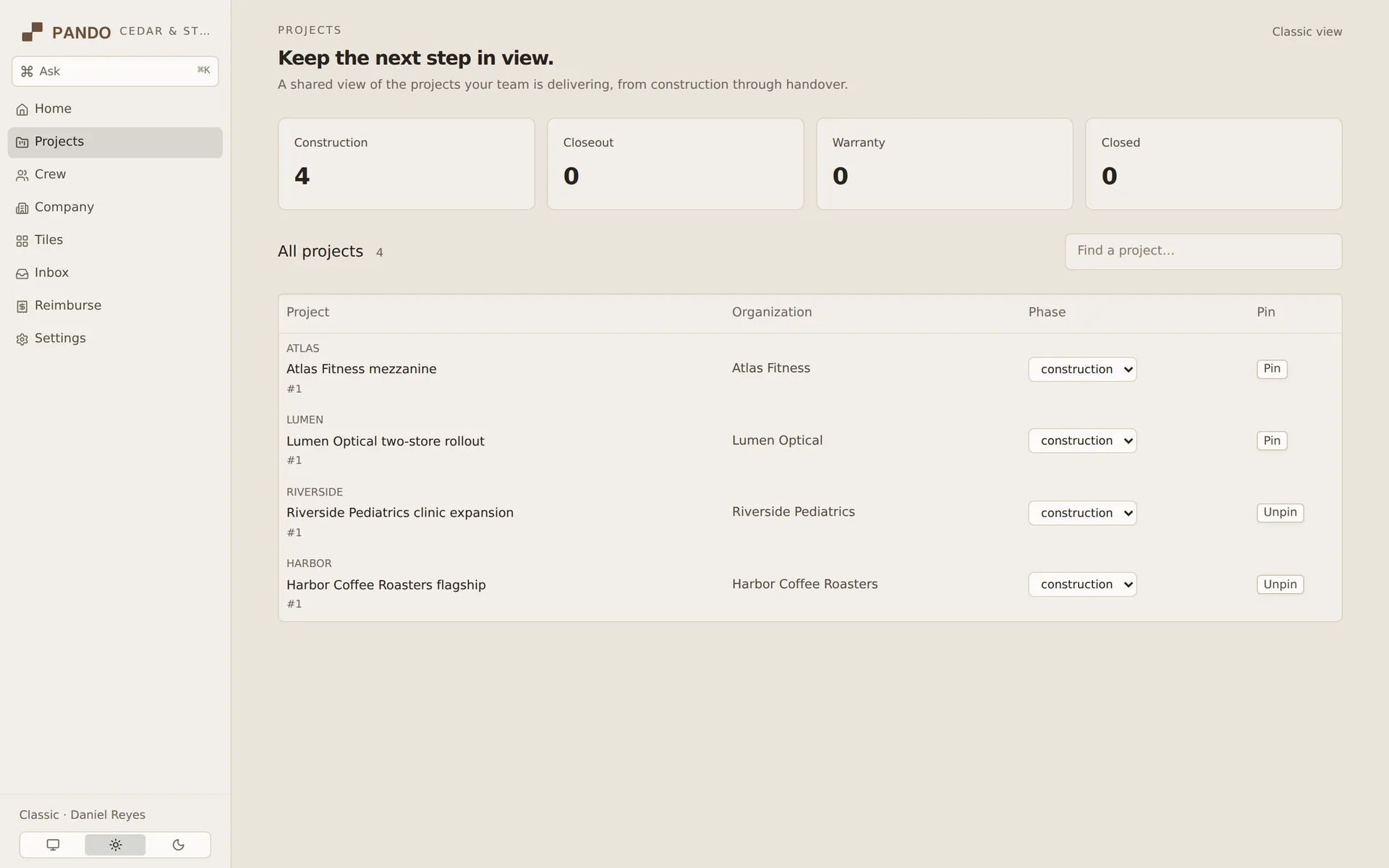
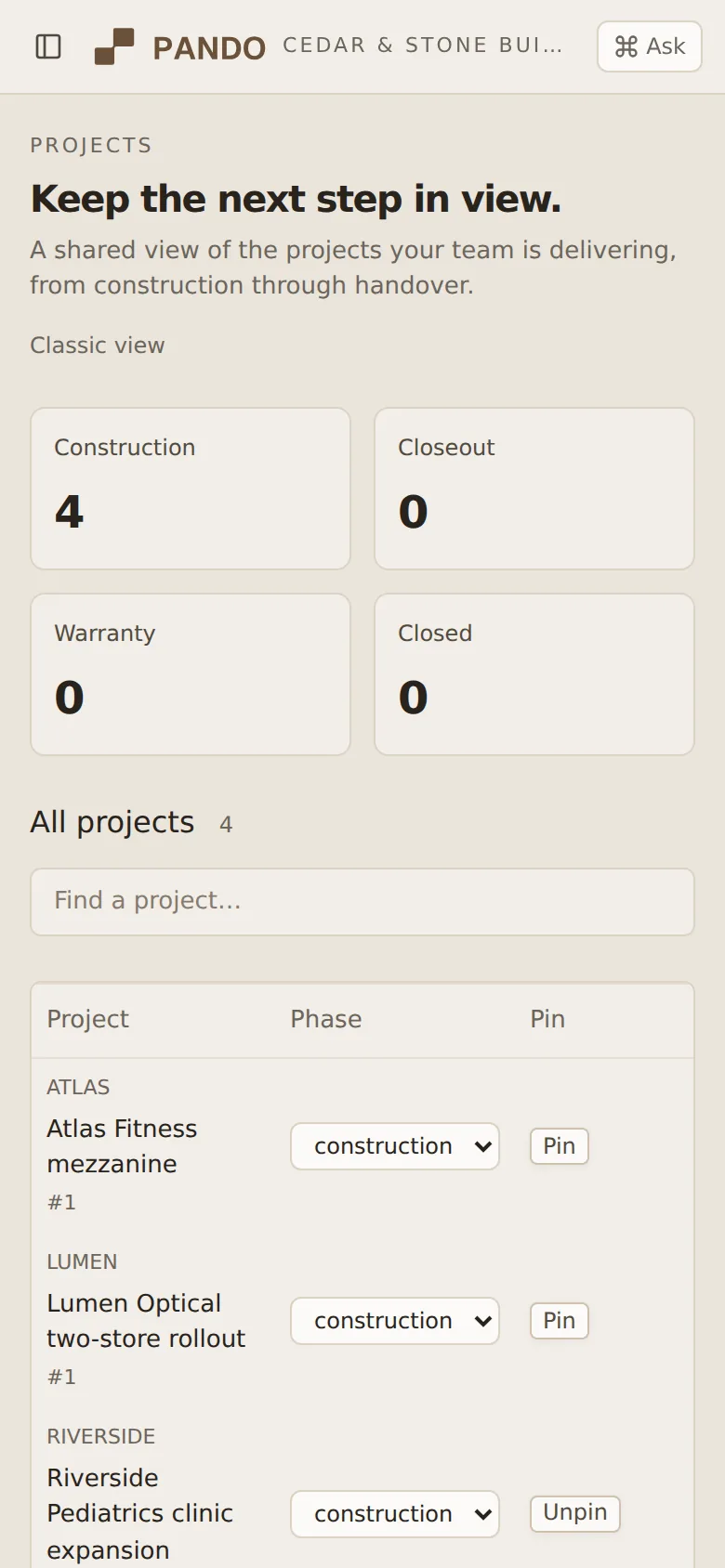
Follow your team’s projects through construction, closeout and warranty.
Talk to us about PANDOKeep a commitment in view.
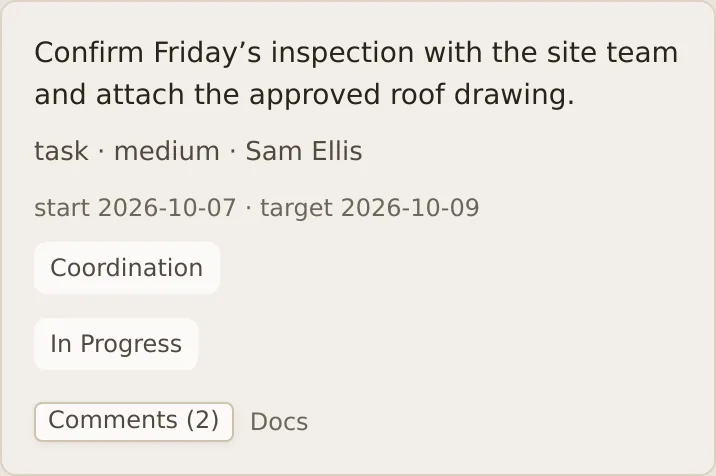
- Owner
- Dates
- Comments
Project task
What you can do with PANDO.
Project progress
See where each project stands and share updates with your team.
Tasks & responsibilities
Keep the owner, dates and discussion with each work item.
Project documents
Keep linked documents with the work they belong to.
Daily reports & photos
Record the day’s site work and keep its photos together.
Using PANDO
A site visit, followed through.
Open the project
Check the current stage and the work that needs attention.
Record what happened
Add the day’s report and photos to the project.
Keep the next step clear
Assign the follow-up, set a date and keep the discussion with it.